Editor’s Verdict
For creators starting with short generated shots and sound, Google Flow with Veo 3.1 is our first place to investigate. Runway is the stronger starting point when the surrounding creative workspace matters as much as the model. Try Pika for short effects and image transformations, Synthesia for structured training production, HeyGen for a solo presenter/localisation workflow, and PixVerse when you specifically need API-based clip generation. These are recommendations for different jobs, not a tested ranking of image quality. Sora is no longer a consumer option, and the cheapest useful option depends on the settings and retries your work needs.
At a Glance
Choose for | Tool | Price and limit |
|---|
Start here for short shots with sound | Google Flow with Veo 3.1 | Google AI Pro: US$19.99/month; Flow includes 1,000 monthly credits. Regional prices vary. |
For creative production and model choice | Runway Gen-4.5 | Standard: US$15/month, or US$12/month billed annually; 625 monthly credits. |
For short effects and image transformations | Pika 2.5 | Free Basic: 80 monthly credits. Standard: US$8/month billed annually, with 700 monthly credits. |
For structured training and team review | Synthesia | Starter: US$29/month, with 10 video minutes per month. Enterprise is custom-priced. |
For solo presenter video and localisation | HeyGen | Creator: US$29/month, or US$24/month billed annually; 600 monthly credits. |
For API-based short-clip production | PixVerse V6 | API example: US$0.45 for 5 seconds at 720p without audio, using the published US$10/1,000-credit pack. |
How WhatAI Assessed the Tools
How WhatAI assessed the tools: we reviewed official product descriptions, model guides, public plans and credit tables on 10 September 2026. We reassessed every previous pick and considered Pika, Luma, Adobe Firefly, LTX and newer Google/Seedance options before assigning decision roles.
Our criteria were the path to usable footage, input and reference control, audio, editing and handoff, availability, and practical cost after retries. Awards express editorial workflow judgments. We did not run a common prompt benchmark, a six-week reliability trial or an output-quality comparison for this update.
Provider examples demonstrate possibilities, not a guaranteed success rate. Direct subscription details that could not be verified are labelled rather than guessed. API prices, annual equivalents and monthly subscriptions are kept distinct; check your region and selected model before paying.
The Shortlist: Choose by the Work You Need to Finish
Google Flow with Veo 3.1
Start here for short shots with sound. Creators making short generated scenes who can check the model, watermark and export limits for their delivery format.
Flow makes sense when your first need is a short scene with generated sound and a route to try alternatives inside the same workspace. Veo supports native audio, while Flow separates reference and editing features by model. Treat the model selector as part of the creative decision: the highest-priced mode is not automatically the one with the controls your shot needs.
For a Pro subscriber, the published credit rates imply up to 50 Fast generations or 10 Quality generations from 1,000 credits if nothing else consumes them. Those are generated attempts, not finished usable shots. Free, Plus and Pro outputs can carry a visible watermark; 4K upscaling is a separate, restricted capability. Skip this route for a deliverable that requires an export condition your plan does not meet.
Sources: Provider documentation 1 · Provider documentation 2 · Provider documentation 3 · Provider documentation 4
Runway Gen-4.5
For creative production and model choice. Creators who want generation, supporting creative tools and assets in one workspace, while keeping a separate finishing editor when needed.
Runway earns its place through the surrounding production workflow and model choice. It suits someone who wants to develop a scene, iterate its look and keep assets organised, rather than buy a subscription for a single showcase model. This is a workflow recommendation, not evidence that it holds every character more accurately than its rivals.
Gen-4.5 currently accepts text or an image with text, produces 2-to-10-second video at 720p and uses 12 credits per second. Standard therefore funds ten five-second attempts, with 25 credits left, if used only for that job. Upscaling is different from native capture resolution. Heavy users should compare the current Pro and Max plans rather than assume the legacy Unlimited plan is the default upgrade. Plan for sound and final assembly as explicit production steps.
Sources: Provider documentation 1 · Provider documentation 2
Pika 2.5
For short effects and image transformations. Creators experimenting with playful short clips or transforming an existing image, who value a small initial commitment.
Pika is a useful first experiment for short visual ideas, especially when changing a supplied image or applying an effect is the point of the clip. Its named transformation tools give the experiment a narrower target than asking a generator to invent an entire scene. That makes it a distinct alternative to a production workspace.
The free plan limits Pika 2.5 to 480p; paid access includes higher resolutions. Credits depend on the mode, resolution and duration, so the monthly allowance is not a count of finished videos. Start with a sample at the resolution you can actually deliver. Skip it as your default choice for a tightly controlled multi-scene narrative until your own continuity test justifies it.
Source: Provider plans and documentation
Synthesia
For structured training and team review. Learning and internal communications teams making repeatable presenter-led material with a defined review process.
Avatar tools solve a different problem: presenter-style video without filming a presenter. Synthesia is our training-oriented pick because its plans separate a simple authoring route from team and enterprise requirements. Starter includes downloading, an editor and guest access; features such as SSO and SCORM export sit in the enterprise offering.
Choose it when the main job is keeping an explanation clear and repeatable across updates, rather than directing cinematic action. Check how much script revision and localisation your allowance can support before committing. Do not assume the entry plan includes every governance feature, or that an avatar removes the need to review pronunciation, factual accuracy and delivery. We have no test showing viewers cannot distinguish its output from filmed footage.
Source: Provider plans and documentation
HeyGen
For solo presenter video and localisation. Individual creators and small teams making presenter-led explanations, then adapting them for additional audiences.
HeyGen is the presenter route to examine first when one person owns the video and wants to adapt it for different audiences. Creator includes voice cloning and 1080p export, with a credit allowance shared across features. Its maximum video length is not the same thing as a monthly allowance of premium avatar generation.
The value depends on the part of your workflow it replaces. For example, a useful pilot is one approved explanation plus one translated version, checked by someone who understands the target language. Budget for corrections, names and specialised vocabulary. Choose a training platform instead if formal learning delivery and team controls are the main requirement; do not buy both merely to cover similar talking-head work.
Source: Provider plans and documentation
PixVerse V6
For API-based short-clip production. Technical creators and teams generating repeated clips through an API, with an existing review and assembly workflow.
PixVerse earns a narrower role here than the old broad social-video award. Its API exposes generation, transitions and reference-based workflows that can fit a repeatable clip pipeline. That matters if you already have a way to submit jobs, review outputs and assemble the results. It is not automatically the easiest consumer app for a beginner.
The example price is calculated from 9 credits per second at 720p without audio: 45 credits for five seconds. Audio, resolution and reference inputs can change the rate. Promotional starter packs may have a different effective price, and this is not the consumer subscription price. Keep retries in the budget and inspect the generated content before it enters an automated publishing sequence.
Sources: Provider documentation 1 · Provider documentation 2
Other Candidates Worth a Deliberate Check
Kling 3.0 remains a serious storyboard contender. Kuaishou describes up to 15-second generation, native sound and shot-by-shot controls in Omni. Those features justify a test for dialogue or a connected scene. Its direct current subscription terms were not verifiable in this review, so we are not quoting a direct monthly price or claiming a percentage saving. Compare the exact model and host you can buy before assigning it a value advantage.
Source: Provider plans and documentation
Seedance 2.5 changes the old Seedance 2.0 discussion. ByteDance’s 31 July announcement describes up to 30 seconds, multimodal references and targeted editing, with rollout through named services. Runway now lists Seedance 2.5, but do not apply a published 2.0 rate or feature limit to 2.5. It is a candidate for longer connected material, conditional on the actual provider, version and quote available to you, rather than an automatic cinematic winner.
Sources: Provider documentation 1 · Provider documentation 2
Luma deserves a comparison when native 1080p, modification or a finishing format matters. Its Ray3.14 documentation also illustrates why names matter: character references are not supported in that version, while newer Ray entries appear in current pricing material. Adobe Firefly is worth checking before adding another subscription if you already work in Adobe; its own and partner models have separate limits. Neither brand earns an extra purchase simply by exposing more models.
Sources: Provider documentation 1 · Provider documentation 2
LTX-2.5 offers a different route for technical teams: publicly available weights and code, local tools and an API. Control over the production environment can matter more than a consumer subscription, but it also introduces hardware and operational work we have not evaluated here. Within Flow, check Gemini Omni Flash’s editing support before paying for a separate product to solve an editing gap. Both are alternatives to evaluate against a specific requirement, not automatic additions to the shortlist.
Sources: Provider documentation 1 · Provider documentation 2
What Happened to Sora, and What to Do With Existing Work
OpenAI confirms that Sora’s consumer web and app experiences closed on 26 April 2026, with the API scheduled to end on 24 September 2026. That makes the old recommendation to buy ChatGPT Pro for Sora inappropriate. Existing users should follow the provider’s export instructions and confirm any remaining access with their actual service.
Source: Provider plans and documentation
Build workflows you can move, keep your prompts and assets outside any single platform, and treat per-tool subscriptions as decisions you can revisit. A host offering several models can make switching easier, but it does not guarantee that a particular model, price or feature remains available. Keep an exported master and the ingredients needed to reconstruct it.
From Prompt to Premiere: The Generation-First Pipeline
Start by specifying the finished piece: audience, message, duration, delivery format and the shots you cannot afford to get wrong. Turn the script into a numbered shot list with camera, lighting and continuity notes. An assistant can help draft that plan, but a human still needs to check whether the scenes tell the intended story.
Create references before generating expensive video. A consistent character sheet, product photograph or approved location image gives you something concrete to compare against the output. Supporting stills can also become thumbnails or reference frames. Decide whether a generated image actually helps; use a real product photograph when identity and detail are essential.
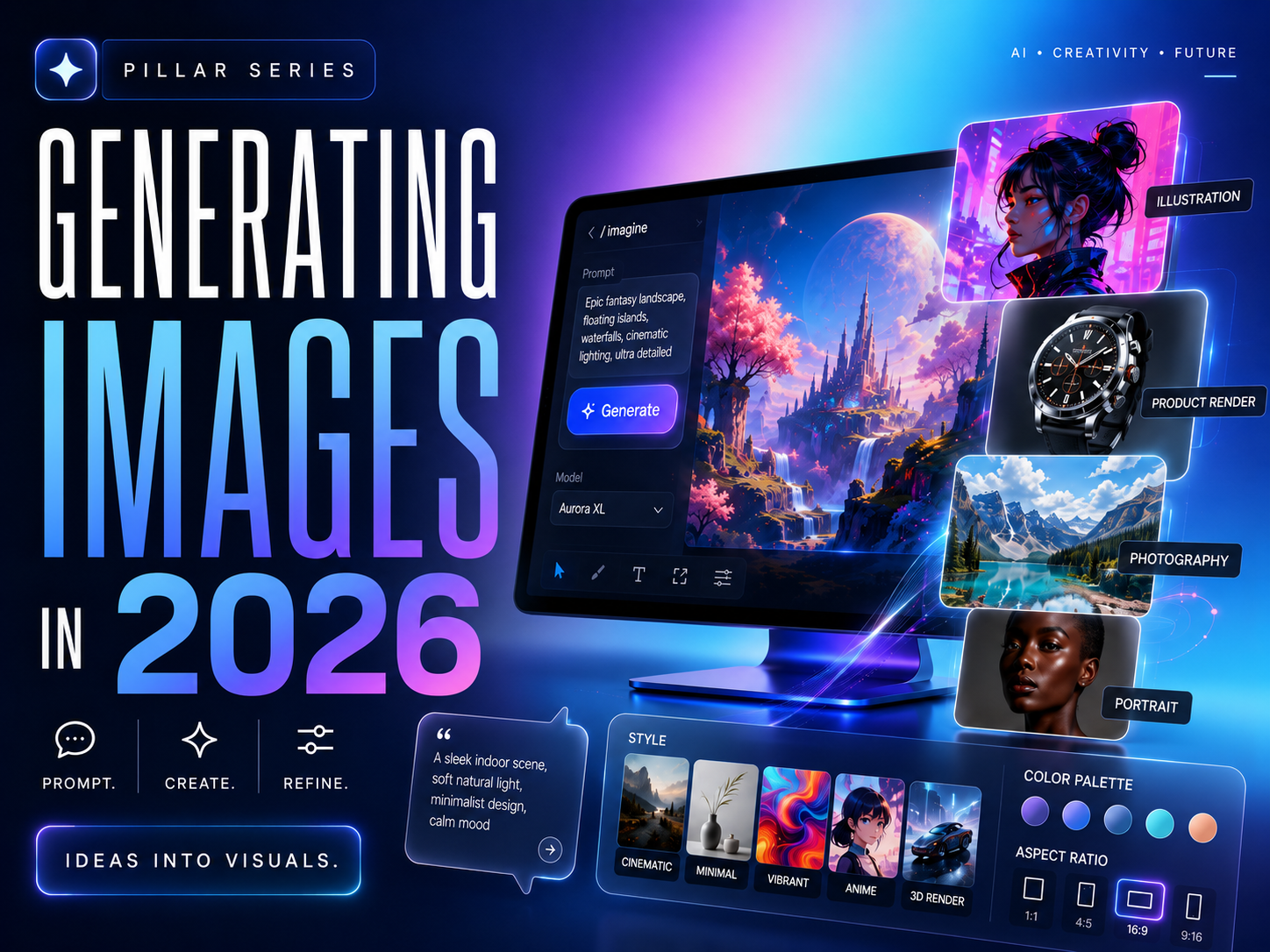
Reference images can anchor a video workflow. This existing WhatAI illustration is conceptual artwork, not a screenshot or evidence of a tested video tool. See the image-generation guide.
Generate the hardest shot early. For an advert, that may be a recognisable product in motion; for a story, the same character from a second angle. A failure there changes the production plan more than a successful generic establishing shot. Keep a record of settings and rejected attempts so the cost comparison reflects work you can deliver.
The clips, stills, music, and voice meet in an editor, and this is where our companion AI video editing guide takes over. Check transitions, captions, pacing, colour and sound as one piece. Native generated sound may be useful material, but it still needs editorial review and may need replacement.
The finished master gets versioned: aspect ratios per platform, caption styles per platform norms, lengths per format. Preview each exported version where it will be watched. A crop that removes the subject or a caption covering a product can undo the value of the original shot. Add another tool only when a real delivery problem remains unresolved.
How to Judge a Video Model Yourself: The Five-Dimension Test
Use a small set of prompts and references drawn from your own work. Run comparable settings on the tools you can access, then judge the outputs without relying on each provider’s showcase. This is a suggested evaluation you can carry out, not a claim that WhatAI performed it.
Dimension | What to look for | The revealing test |
|---|
Visual fidelity | Detail, lighting realism, coherent aesthetics, text rendering | A product shot with legible text on packaging; text is where models still visibly fail |
Motion quality | Fluid movement, believable physics, no morphing or jitter | A human performing a specific physical action; hands and fast motion expose weaknesses fastest |
Prompt adherence | The model made what you asked, not its nearest cliché | A prompt with three specific, checkable elements; count how many survived |
Consistency | Same character, style, and world across multiple clips | Generate a second shot of the same character; this is where most models break and where chained storytelling lives or dies |
Cost per usable clip | Real spend after retries, not the advertised rate | Track every generation for one finished video; divide total cost by keepers |
Weight the dimensions by your job. A talking-head explanation needs clear delivery and accurate words; a product film needs reliable product detail; a narrative scene needs continuity across cuts. Use the same acceptance standard for every candidate, and keep the rejected attempts in your cost record.
Cost per usable clip means total generation spend divided by the clips that meet your brief. If four attempts cost $2 and one is usable, the useful clip cost $2, not the price of the successful attempt alone. That is a hypothetical calculation, not a measured success rate for any tool. Include human repair time when it changes the decision.
The Responsibility Layer: Rights, Representation and Human Review
Make it clear when realistic footage is synthetic, and obtain permission before using identifiable people or supplied assets. Check the exact model and plan terms for the work you intend to deliver. Keep prompts, references, dates and exports as a production record rather than assuming a paid tier settles every rights question.
Review casting and visual defaults as deliberately as the script. Look for who is included, who is absent and whether a scene relies on a stereotype. For a product or demonstration, check that generated motion and details do not imply a capability the real product lacks.
A recurring risk with fully generated, lightly supervised video is that technical polish can outpace editorial intent. Keep a human responsible for the idea, story, taste decisions and final edit, and use generation as execution rather than as the creative brief.
Use Case Scenarios
For a solo creator testing a visual idea, try the available free Flow or Pika route first. Use one short scene that matches your actual work, then inspect its watermark, resolution and consistency. Upgrade only when the export and iteration limits are the obstacle.
For a product or campaign video, use your approved reference material and choose Flow or Runway for the first production trial. Check logos, product shape and claims frame by frame. Add a second generator only if it solves a documented failure in the first one.
For a narrative sequence, compare Runway with a reference/storyboard-capable contender such as Kling. The deciding test is whether the same character and location survive the next shot. Direct Kling plan pricing remains a check before purchase, not a basis for a cheapest-tool award.
For a training team, start with Synthesia and check review, export and learning-system requirements before selecting a tier. A solo presenter adapting an explanation for another language should investigate HeyGen and budget for language review.
For a technical team producing repeated short clips, test PixVerse API costs against actual accepted outputs. The US$0.45 example is one generated five-second clip at a specific setting, not a promise of a finished asset for that price.
For an existing Sora workflow, prioritise export and migration. The consumer service is closed and OpenAI lists 24 September 2026 as the API discontinuation date. Keep assets and project instructions outside a single generator.
FAQ
Is Sora still available?
The Sora web and app experiences closed on 26 April 2026. OpenAI lists 24 September 2026 for the API shutdown. Do not buy ChatGPT Pro expecting the former consumer Sora access; follow OpenAI’s current export guidance for existing work.
What is the best free starting point?
Try Flow for a short scene with sound, or Pika for effects and image transformations. The important test is whether the free output has the resolution, watermark and usage conditions your project needs. Free allowances do not establish a universal quality winner.
How long can a generated clip be?
Length depends on the selected model and route. Runway documents 2-to-10-second Gen-4.5 clips; Kling’s 3.0 announcement supports up to 15 seconds; ByteDance announces up to 30 seconds for Seedance 2.5. Those are not interchangeable guarantees across hosting services. Longer output still needs continuity and pacing review.
How should I budget for retries?
Budget against accepted shots. For example, Standard’s 625 Runway credits cover ten five-second Gen-4.5 attempts at 60 credits each, with 25 credits remaining, before other work. If only two attempts meet your brief, you have two usable shots. Track actual acceptance instead of assuming the subscription price buys a finished video.
Can AI replace human video editors?
AI can assist with generating material and mechanical production steps. It does not remove the need to decide pacing, what to cut, where a story becomes unclear or whether a clip makes a misleading claim. Keep one person responsible for the final edit and its intended audience.
How do I keep generated video from looking generic?
Start with an intentional reference, shot purpose and visual style. Use your own edit, sound and pacing to carry the idea. A technically polished clip needs a reason to be in the sequence; generating more variations will not supply that reason for you.
What should I check before client delivery?
Check the exact plan and model’s commercial-use terms, permissions for supplied material and identifiable people, and the client’s expectations about synthetic footage. Review products, text, faces, sound and every final cut. A paid subscription alone is not a complete rights or quality check.
When were prices and recommendations reviewed?
This update was researched on 10 September 2026. Listed subscription prices are US dollars; annual equivalents are labelled and regional checkout may differ. PixVerse’s quoted figure is an API calculation. Unverified direct subscription prices for conditional contenders are deliberately not presented as current facts.
Join the Discussion
Which part of your last video took the most work: generating the shot, fixing it, or making the sequence worth watching? Share the tool, the job and one limit you ran into. A concrete workflow is more useful to another creator than a model name on its own.